Info screens and a webinar studio that actually reach your teams.

Onboarding, all-hands, employer branding: HR now communicates in picture and sound — without needing its own AV department. We deliver info screens for employees without a desk and a webinar studio that broadcasts without a technician.

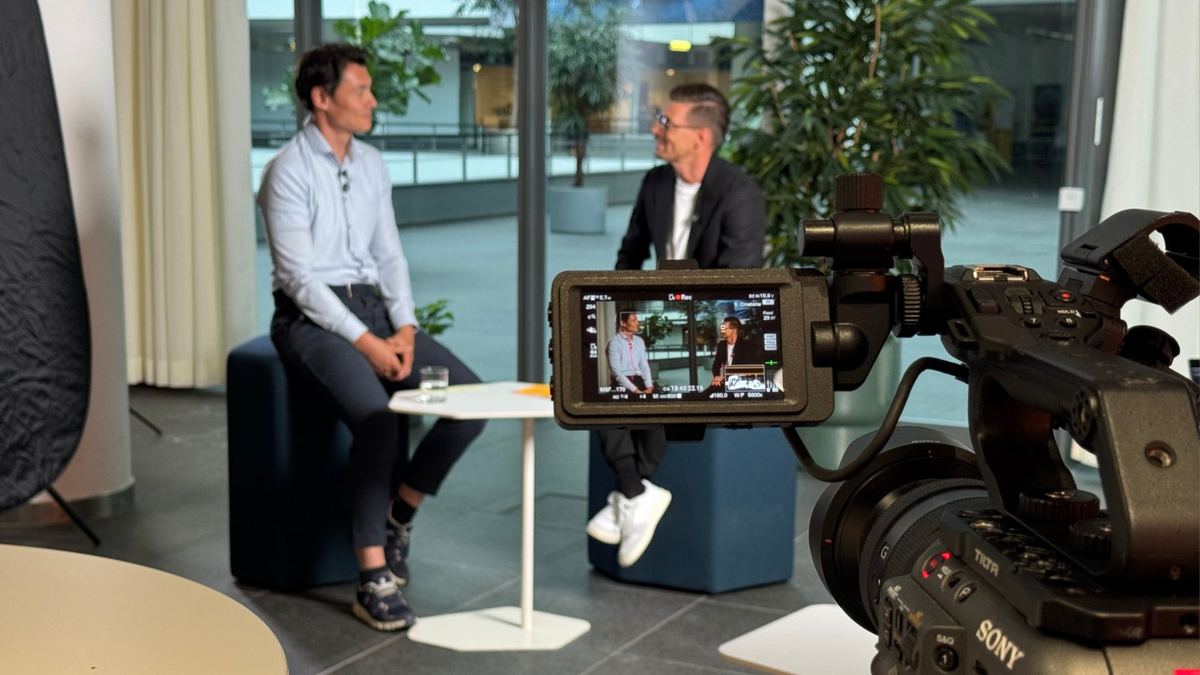
Camera with monitor in the foreground, two interview partners seated on cubes behind it
Interview shoot

A typical scene

Monday, 9 a.m. Three new hires start, one of them remotely.

HR communicates in picture and sound today, without needing an AV department of its own.

  1. 09:00

    The start

    The same PowerPoint marathons as last year. Whoever starts remotely gets a second-class onboarding.

  2. 09:30

    The series

    Instead, an onboarding series from the inhouse studio runs: produced well once, easy to update. In the hallway, info screens show dates and team successes.

  3. later

    The effect

    Everyone starts to the same standard, on site and remote. And one shoot day yields material for LinkedIn, the careers page and job ads.

  • 4×

    more recruiting material per production day

  • 1

    shoot day, all formats: LinkedIn, careers page, events

  • 0

    technicians needed for the webinar studio to go on air

  • Live

    Q&A, reactions and vision mixing for hybrid all-hands

Use Cases

Concrete, not abstract: four cases from practice.

Every case with a clear challenge, a clear solution and a measurable outcome.

Webinar studio for onboarding formats

Onboarding series from your own studio

Challenge

Every intake gets the same PowerPoint marathons. Remote starters get a second-class onboarding experience.

Solution

A professionally produced onboarding series from the in-house studio — produced well once, reusable again and again, easy to update.

Outcome: Consistent onboarding for everyone — on site and remote

Inhouse Studios
Hybrid event for internal communication

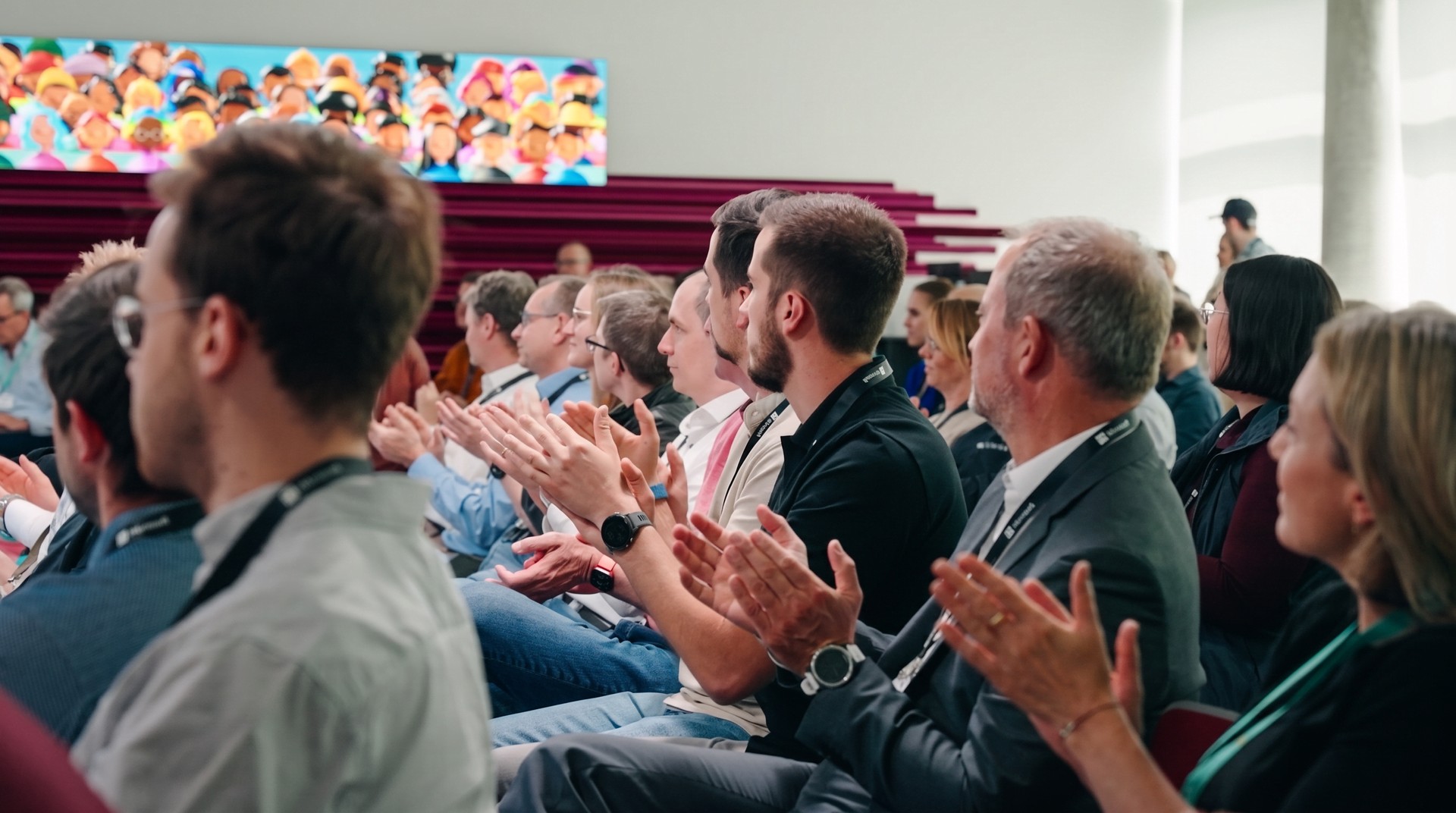
Hybrid all-hands with real participation

Challenge

For remote employees, the monthly all-hands is a passive stream — questions get lost, participation doesn't happen.

Solution

Production with remote interaction: moderated Q&A, live reactions, clean video direction. Remote participation becomes equal.

Outcome: Participation instead of passive viewing

Events & Livestreaming
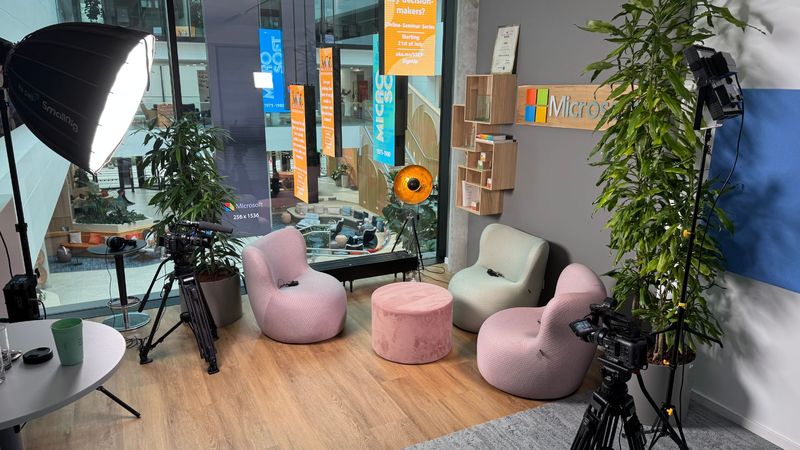
Interview set with armchairs, lighting and cameras for employer branding content

Employer branding content in every format

Challenge

Recruiting needs authentic insights — but producing every campaign separately blows the budget and the schedule.

Solution

One shooting day, all formats: LinkedIn, careers page, job ads, events. A multi-format strategy built in from the start.

Outcome: 4× more recruiting material per production day

Content Creation
Info screens for employee communication

Workplace signage: making culture visible

Challenge

Achievements, news and team updates don't reach the workforce — emails get skimmed over, the intranet is rarely opened.

Solution

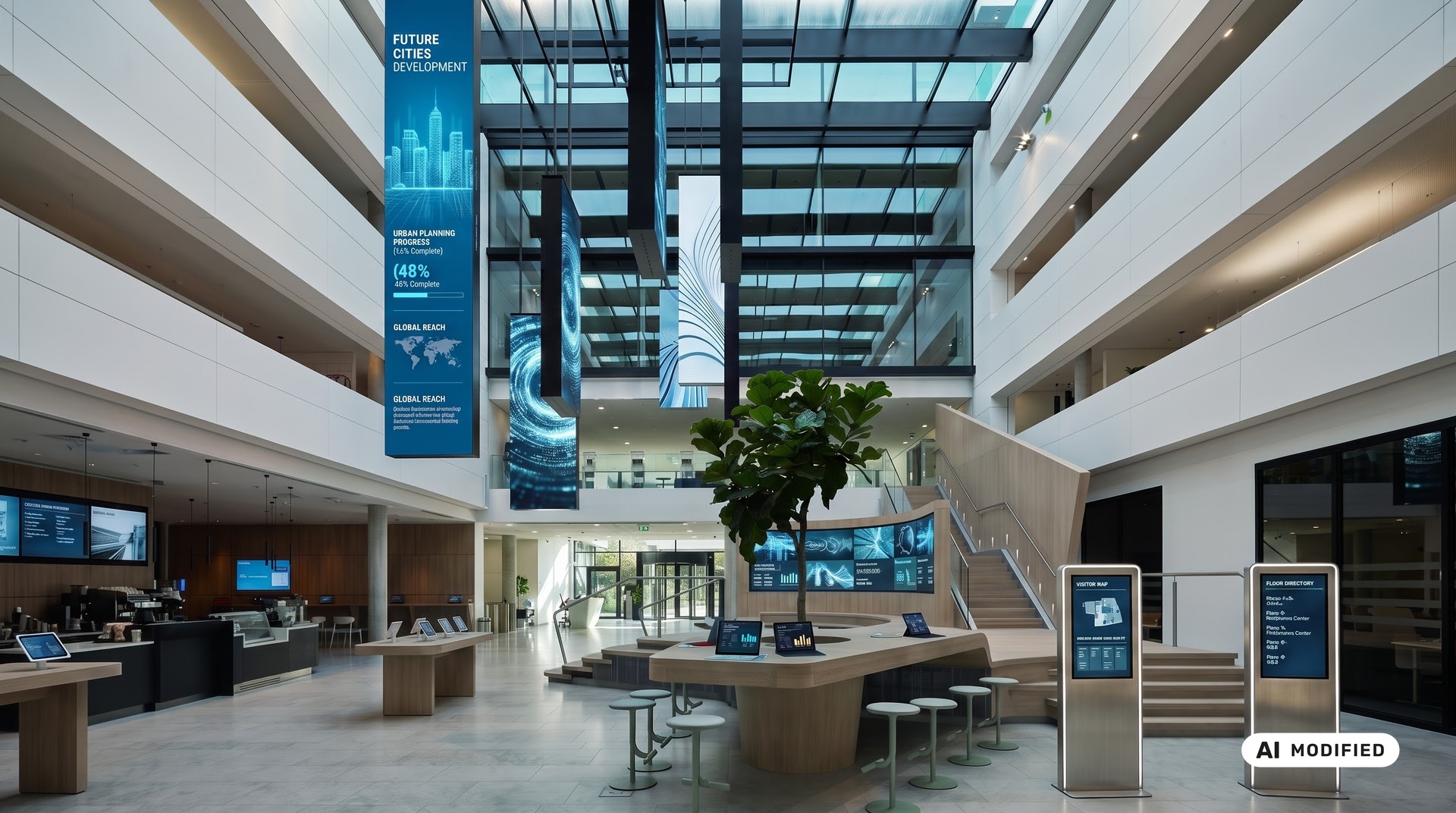
Signage displays in break areas and corridors: current content, team successes and dates, centrally managed and automatically up to date.

Outcome: Internal communication where people actually walk by

Digital Signage
Does this sound like your situation? 15-minute initial call — we will help you work out what fits your project.
Schedule a consultation Calculate costs

For HR and internal communications

Info screens, shift schedules and your own webinar studio

A large share of the workforce has no desk and no inbox that is read regularly — in production, logistics, healthcare and retail, that is the norm. Internal communication that runs only via email and intranet structurally fails to reach these people. Screens and video are not a nice-to-have here; they are the only reliable channel.

Employee info screens and digital shift schedules

Info screens at time clocks, canteens, break rooms and hall entrances reach people exactly where they already are. What matters is the editorial separation: shift schedules and safety notices come automatically from the upstream system, company news is managed centrally, and site-specific content is added locally. That keeps the display current without anyone having to fill screens every day. Why signage projects fail at exactly this upkeep is explained in Digital signage: content maintenance is what decides (German). Technical fundamentals can be found under Digital Signage.

AV technology for your own webinar studio

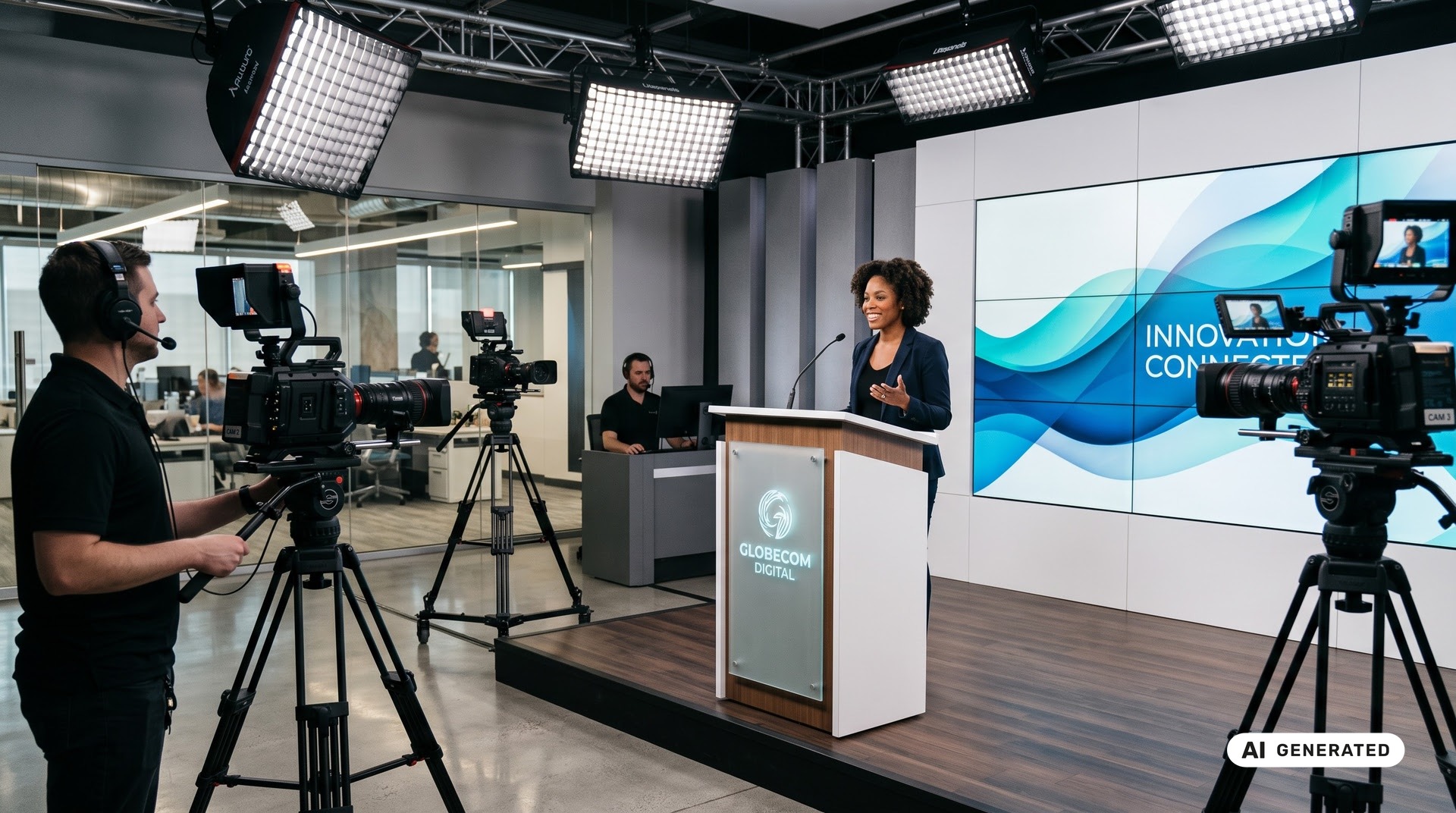
A webinar studio for HR has to meet one condition: it must be operable by someone who is not a technician. In practice, that means a room with fixed lighting, preset camera positions and a control panel where two buttons switch the relevant scenes. No mixing desk, no patch panel, no training session that is already forgotten the second time around. What such a studio costs is covered in What does an inhouse studio cost?, and the staffing question is answered by Does an inhouse studio need dedicated staff?

Onboarding and training formats from the inhouse studio

Onboarding videos and mandatory training are the use case in which your own studio pays off fastest: they are updated regularly, exist in several language versions and would cost a production day every time if outsourced. In your own room, that becomes a two-hour appointment. What matters for impact, however, is the format, not the camera — why internal videos get abandoned is described in Why internal videos aren't watched to the end (German). For an overview of the whole topic: Inhouse Studios.

Frequently Asked Questions

How do we reach employees without a desk?

Through screens at the places these people pass anyway: time clocks, hall entrances, break rooms, canteens. Content is managed centrally and distributed per site; shift schedules and safety notices come automatically from the upstream systems.

Can digital shift schedules come from our existing system?

Usually yes. Common time-management and scheduling systems can be connected via interfaces or exports, so that the schedule on the screen automatically matches the one in the system. This removes the duplicate maintenance that otherwise causes such projects to fail.

Does a webinar studio need dedicated staff?

Not for standard formats. A studio with fixed lighting, preset camera positions and simplified controls is operated by HR themselves. Staff or external direction only pays off for more demanding formats with guests, inserts and a live audience.

How much space does a small studio for HR formats need?

For a single speaker position with a clean background and lighting, around 20 to 25 square meters are enough, provided the ceiling height works and the acoustics are treated. For two people in conversation or a small guest setup, plan for 35 square meters or more.
Adjacent Areas

HR formats share studio, technology and operations with these areas.

Your use case isn't listed?

Then it's probably especially interesting. Tell us about it — we respond within 24 hours.

Request a project
Book a Consultation